DeathSprint 66
Sumo Digital Ltd.
2024
UE5
UI
Gameplay
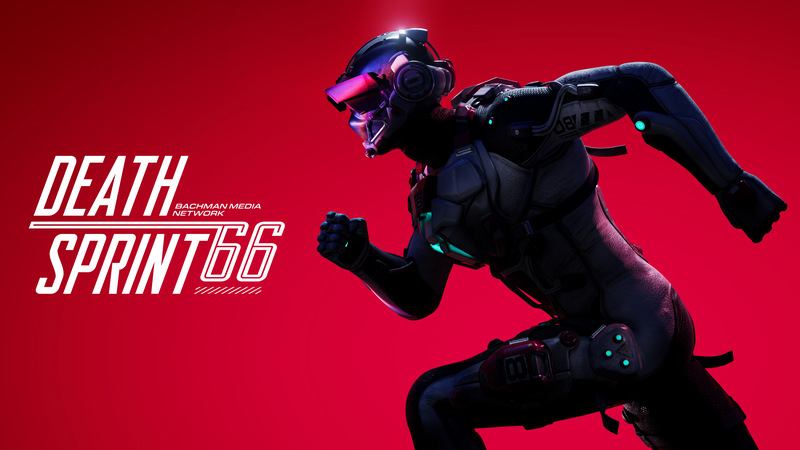
Overview
From 2022-2024 I worked on DeathSprint 66.
I was on this project from early prototyping all the way until release and post-launch.
In my role I took on Gameplay and UI code.
Primarily I was responsible for implementing the in-game HUD.
Some of my other responsibilites included:
- Emoji System
- Cosmetics implementation
- Creating the Momentum System
- Various character ability work (GAS)
- Animation and VFX implementation
- Optimization work
Features
Here’s a closer look at some of the features mentioned above.
In-Game HUD
I created various widgets for the HUD, using various techniques to achieve some cool effects. The entire HUD was completely event-driven except for where it made sense otherwise (race timer, for example).
On the image above you can see the following elements I created:
- Lap Number and Time tracker
- Leaderboard
- Killfeed
- Lives Counter
- Ability Container
- Surge Bar
- Emoji Feed
- Name Tags
Below I’ll explain a little more about some of the more complicated
Emojis
DeathSprint 66 is canonically a game show, and to sell that effect we wanted to have emojis that burst from the bottom of the screen that respond to your characters in-game actions, to mimick viewers watching at home.
Originally, we had a small number of emoji widgets that’d burst onto the screen, which was slow and costly. Using a widget pool didn’t help too much either, since the bulk of the cost was the overhead of the widgets themselves, so in the end I decided to use an SMeshWidget.
This essentially allowed me to instance widgets and draw all emojis in a single drawcall, meaning instead of a handfull of slow emojis on screen, we could have had thousands, and they were lightning quick too!
Ability Container
The ability container was really fun to implement, it’s a 3d coin-flip animation that travels up the screen, fading away to reveal the ability you have randomly received!
Surge Bar
The surge bar is all material based, I worked on it together with a really talented Tech Artist, it consists of three separate bars that fill up, and turn a different colour upon filling up, all on a radial meter.
Cosmetics
I was also one of a few programmers who worked on cosmetics implementation, mainly responsible for reading the data given to us from backend. The indexes for skins, emoji packs, and banners would be sent from the server and I created the system that read that data and displayed the correct cosmetic.
Character Controller Work
Momentum System
We faced a problem with our racing game in that the characters all ran at the same speed, meaning you could only overtake someone if they messed up and died. To remedy this, I came up with a system where doing well at the game (chaining up wallruns, ziplines, drifting, etc.) would allow you to build ‘momentum’.
Your momentum score was then used to increase your maximum speed, allowing you to travel faster. This ended up working really well as it created a sense of ‘flow-state’ to the player.
One thing I’m really proud of is the way I set this system up.
It allowed designers to:
- Define which game actions increased momentum
- How long it’d add momentum for (instant or continuous)
- How the momentum would be added (instantly, linearly, custom curves)
- How much momentum would be added
- How long the momentum takes to decay
- How the momentum decays (instantly, linearly, custom curve)
They could do all of this without any code support.
The system itself managed your momentum modifiers, calculated your momentum score, and then calcualted your new max speed based on a Momentum -> Max Speed curve, injecting the new max speed into the movement code.
Character Abilities
Towards the beginning of production I also helped in setting up and learning about the Gameplay Ability System which was new to us at the time. Using it, I implemented a few character abilities, some of which are still in the game (although they were built upon by another programmer after me!)
Leaning
Whilst on ziplines and grindrails the character can lean to either side to dodge traps.
I worked together with Animation to achieve this effect using blend-spaces.
Animation Masking
The character can be hit with other players’ abilities, one ability causes the player to grab their head with both hands. Obviously, while the player is ziplining or wallrunning, one of their hands is preoccupied, so I looked into Skeletal Animation Masking. This allowed us to mask off part of the animation if the hands were pre-occupied, meaning their hand on the wall or zipline would stay there, and only the other hand would play the animation.
Misc Work
ImGui
I added ImGui into our custom version of Unreal Engine, and used it to make some nice debug tools for DeathSprint, including a graph which showed speed over time and momentum over time.
Optimization Work
Part of implementing the UI was making sure the UI was performant. I used an array of techniques to diagnose and optimize the HUD, such as:
- Only invalidating widgets when necessary, and avoiding widget setups that frequently invalidate widgets
- Used phased retention boxes to load-balance the UI
- Lots of widget pooling
- Converting Emoji system into an SMeshWidget
- Ensuring all HUD elements were event-driven
Through this I managed to get the entire HUD under 1ms/tick, even under worst-case scenario.